Server-backed library
Browse and download games from your own self-hosted KLaunch server.

Game launcher for emulated console libraries
Couldn’t reach the download server — see releases on GitLab.
SteamOS 3 · Ubuntu 22.04 / 24.04 · signed x86_64 AppImage
KLaunch is a desktop client for a self-hosted KLaunch server. It browses, downloads, and launches games from your server-backed library — handing each title to the right emulator, with box art and a controller-friendly Big-Picture mode for the couch.
Browse and download games from your own self-hosted KLaunch server.
Hands each game to the right emulator with sensible per-system presets.
A gamepad-navigable, controller-friendly interface built for the TV.
One signed file that can check for updates after you opt in — no package manager.
Canonical titles, cover art, and details resolved and cached automatically.
From Switch to retro carts and discs — one consistent library across consoles.
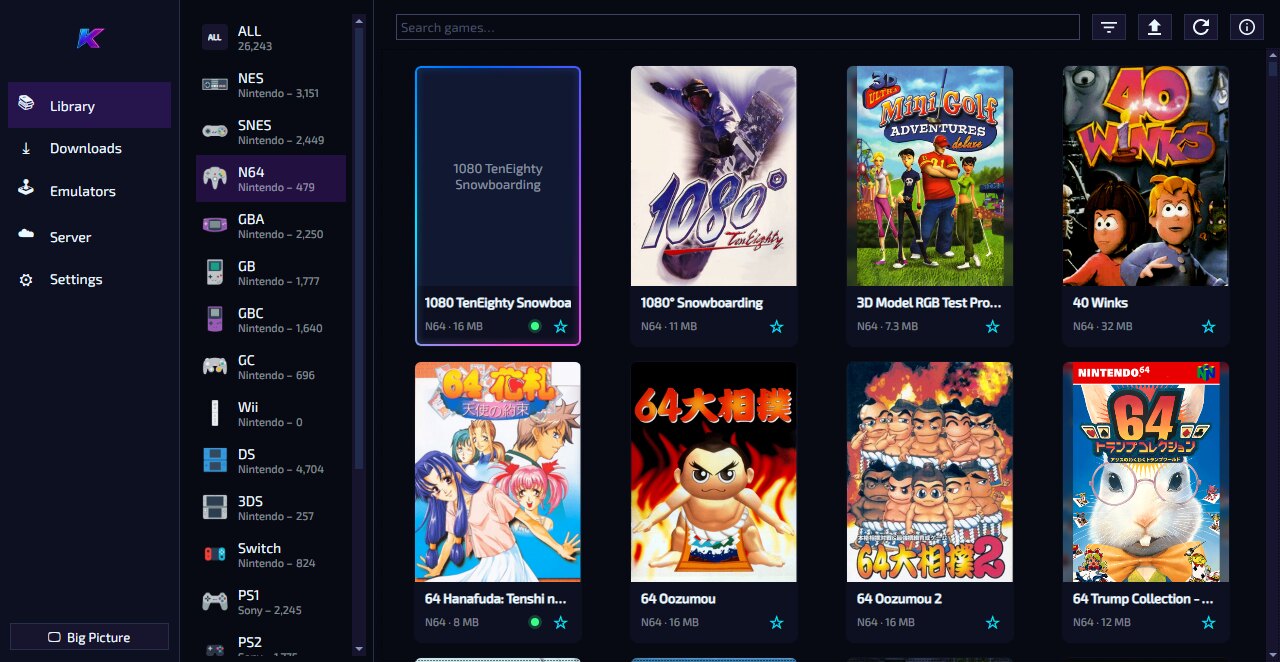
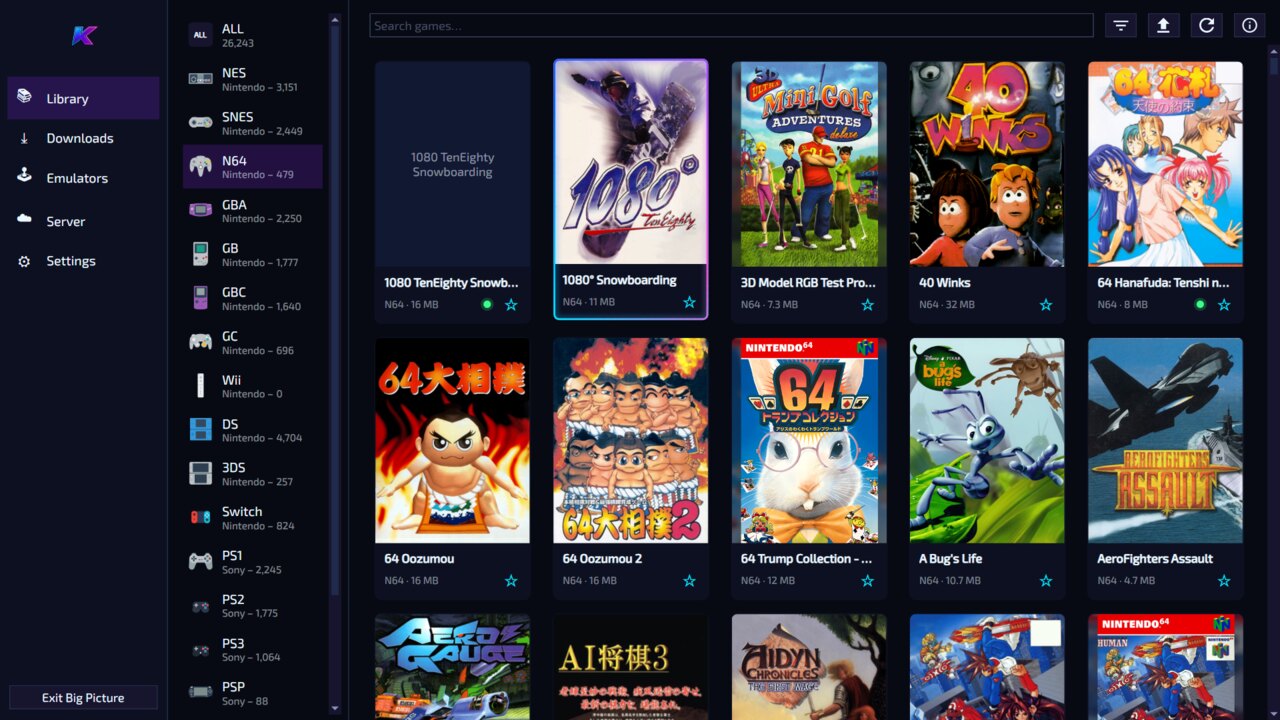
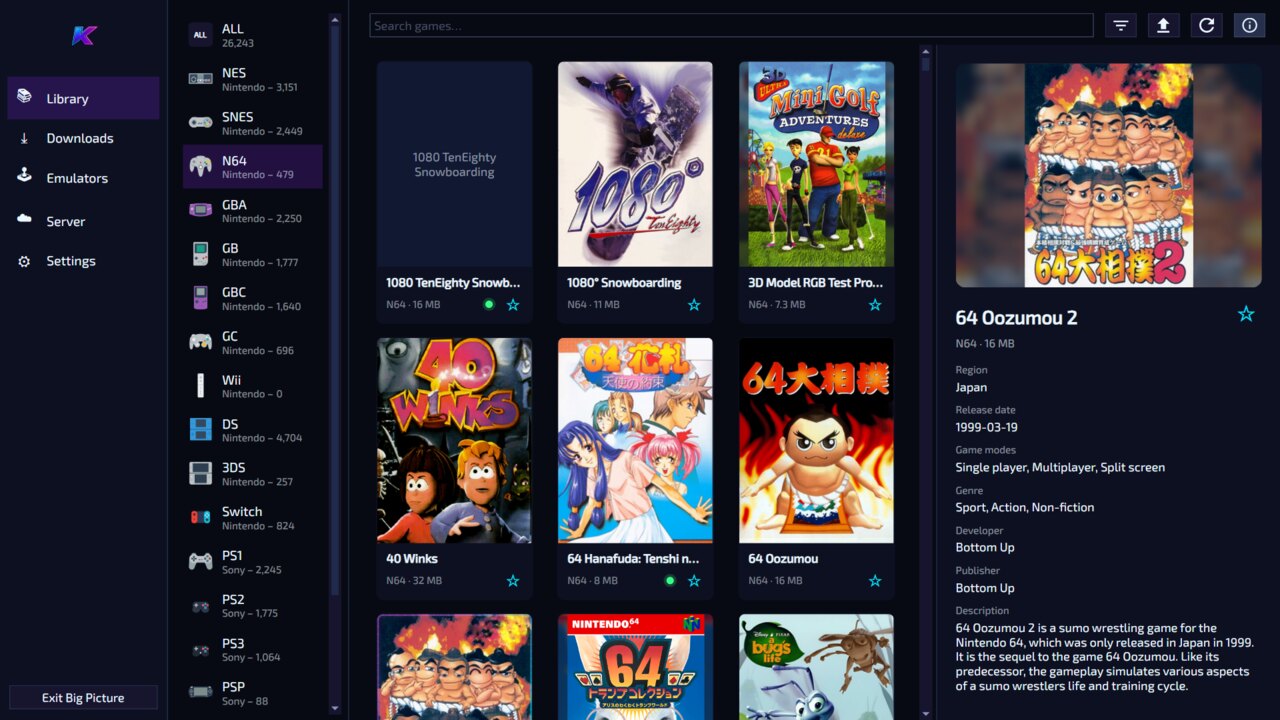
KLaunch is the client half — point it at a running KLaunch server to fill your library.
Grab the AppImage above, make it executable, and run it.
Open Server & sync settings → Connection and enter your KLaunch
server’s address (for example http://lando-sparky:5055).
Under Account, enter your username and password and click Sign in.
Pick a title, download it, and launch straight into its emulator. Optionally turn on save-file and emulator-settings sync.
chmod +x KLaunch-x86_64.AppImage
./KLaunch-x86_64.AppImage
If it doesn’t start, install FUSE 2 with sudo apt install libfuse2
on Ubuntu 22.04 or sudo apt install libfuse2t64 on Ubuntu 24.04. You can also run
it with --appimage-extract-and-run.
Every published AppImage is signed by the dedicated KLaunch release key. In-app updates verify both the release SHA-256 and this exact signing fingerprint before replacement.
For a manual download, compare sha256sum KLaunch-x86_64.AppImage
with the SHA-256 shown above. The public key lets you independently confirm the release-key
identity with gpg --show-keys --with-fingerprint KLaunch-AppImage-Releases.asc.